

Secrets & Certificates
Admin › Developer › Secrets & Certificates is the credential store for your integrations: secrets hold values like API keys that custom scripts consume at runtime, and certificates provide private-key signing for Registered APIs that authenticate with OAuth2 private-key JWT. Access uses the same permissions as Registered APIs.
The screen has two tabs — Secrets and Certificates — with the create button (New Secret / New Certificate) following the active tab.
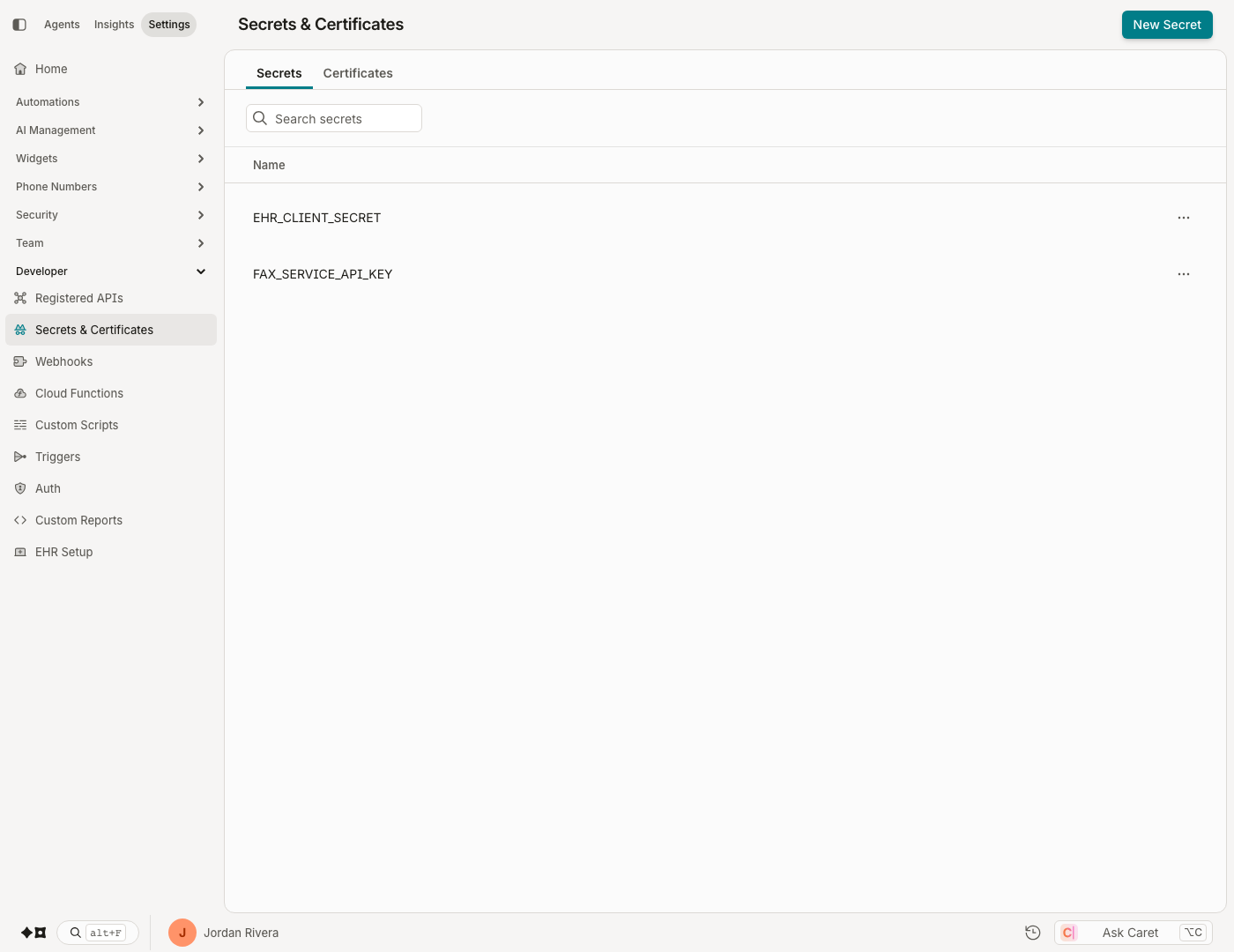
Secrets
A secret is a named value your organization stores once and references by name — most commonly from custom scripts, so credentials never appear in script source.
Creating a secret
Click New Secret and provide:
- Secret Name — 2–100 characters. This is the name scripts reference.
- Secret Value — 2–500 characters.
Values are encrypted at rest.
Secrets are write-only
Once saved, a secret's value can never be viewed again — the API and the UI always show it masked. To rotate a secret, open it, click Update next to the masked value, and enter the new value; saving overwrites the old one. Renaming a secret is allowed at any time (but remember that scripts reference secrets by name).
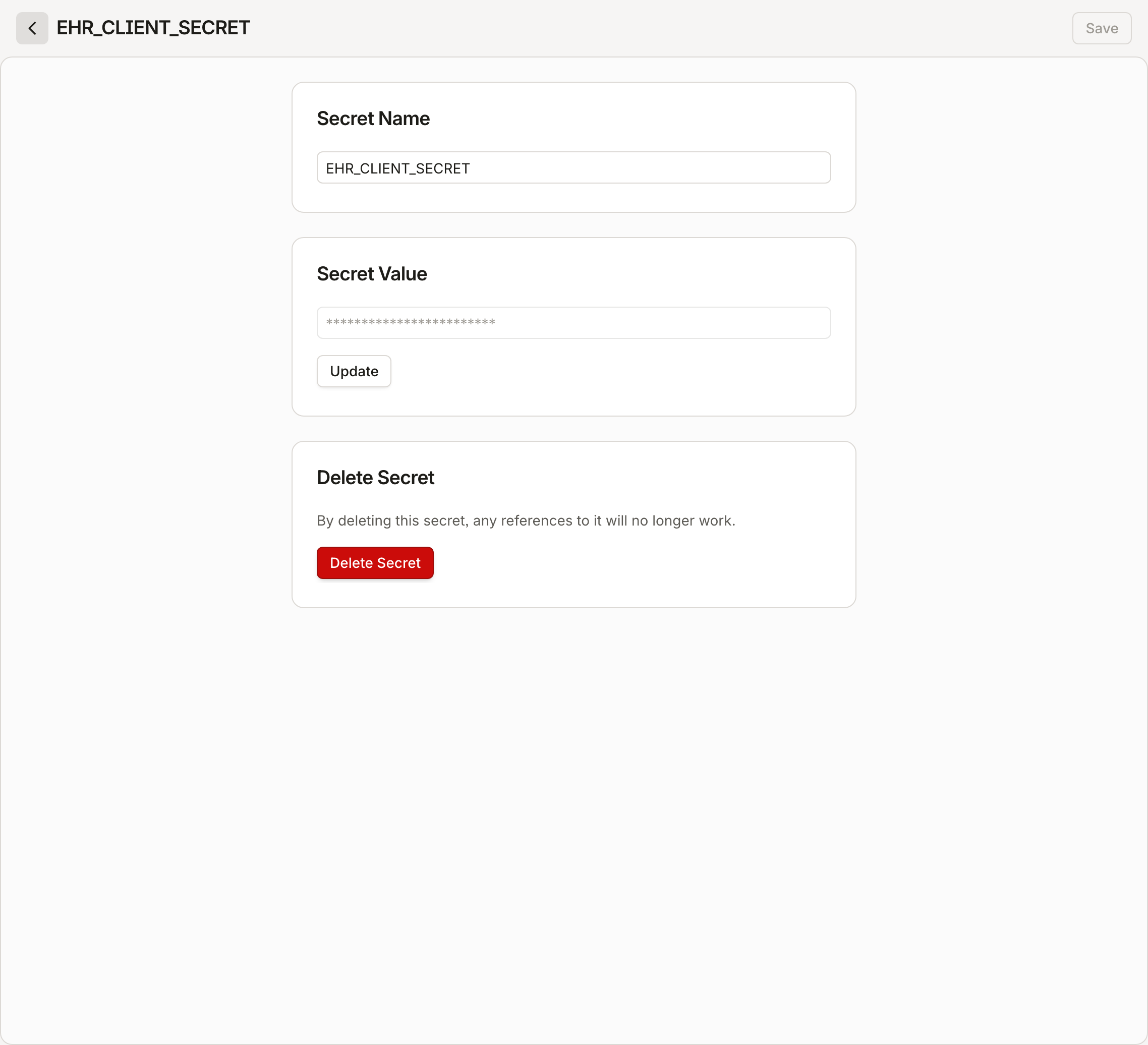
Deleting a secret
Open the secret and use Delete Secret. Any references to the deleted secret will no longer work.
Certificates
Certificates exist to support private-key JWT client authentication on a Registered API's OAuth2 configuration — the pattern EHR vendors like Epic require. The platform generates and holds the key pair; the private key never leaves the vault, and signing happens server-side. The corresponding public key set is published automatically as a JWKS endpoint that your external identity provider can be pointed at.
Creating a certificate
Click New Certificate and provide:
- Common Name — 2–255 characters; letters, numbers, spaces, dots, hyphens, and @ symbols.
- Key Size — 2048, 3072, or 4096.
- Signing Algorithm — SHA256, SHA384, or SHA512.
- Expiration Date — up to 730 days in the future.
Generation is asynchronous — a freshly created certificate may take a moment before it's ready to use. The Thumbprint appears on the certificate's detail view once generated.
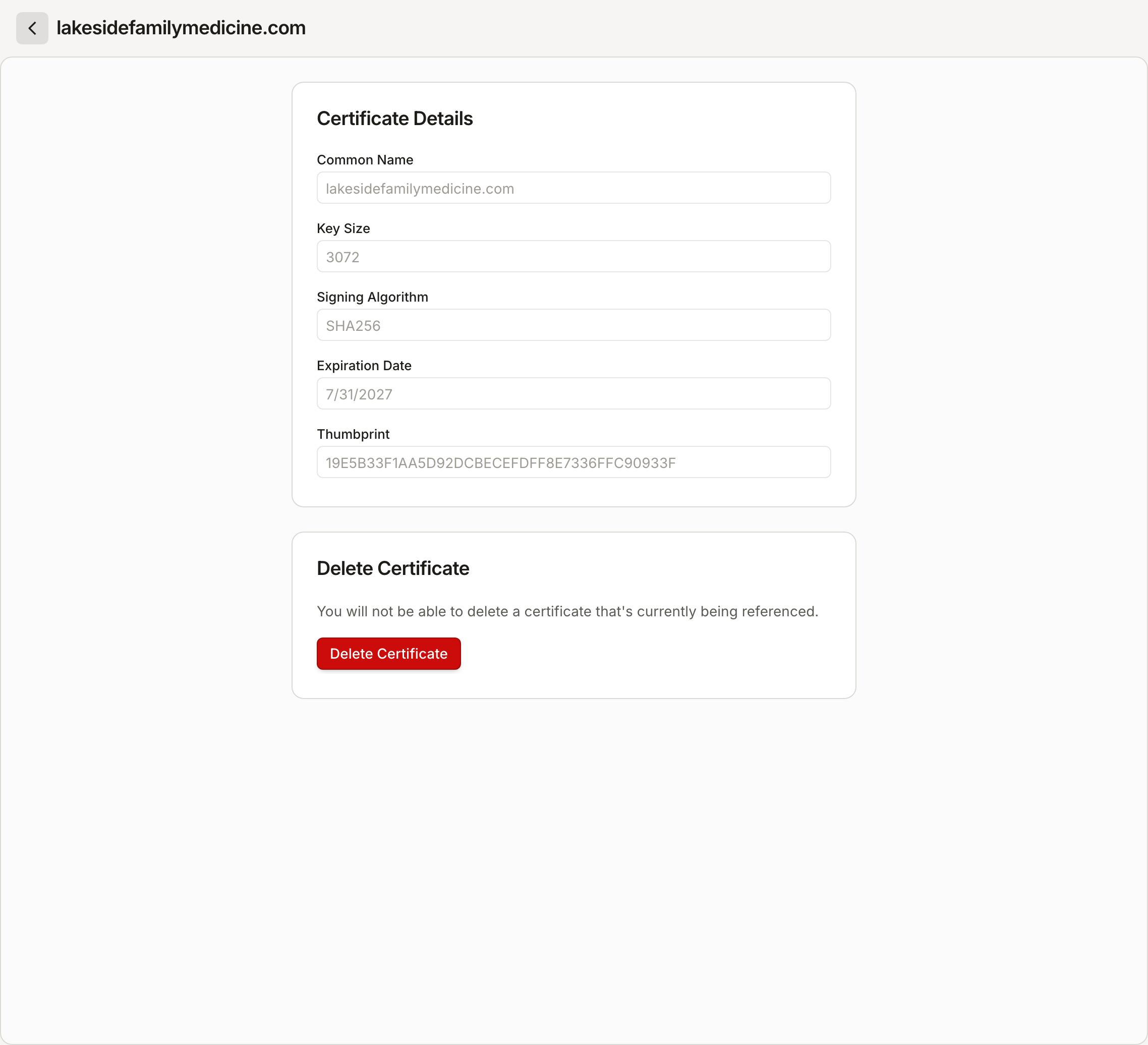
Certificates are create-once
A certificate cannot be edited after creation, and there is no upload or renewal flow. To rotate: create a new certificate, repoint the consuming Registered API to it, then delete the old one. A certificate that is currently referenced cannot be deleted.
Updated about 2 months ago